Cycle the Backup Key
Make the Backup Key your Own
You should cycle the backup key that is used so that any backups you perform are encrypted with your own key.
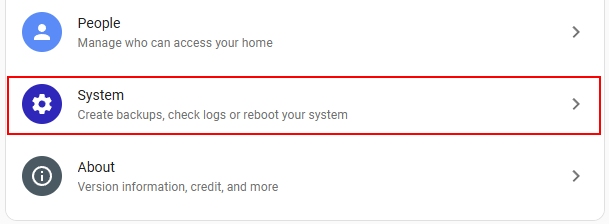
- Select Settings from the left menu, then select System
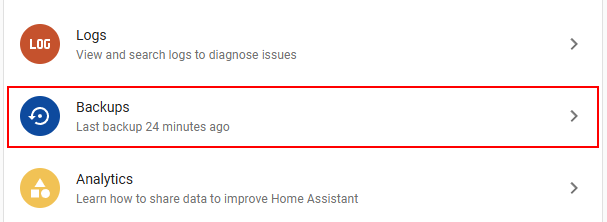
- Then select Backups
- Then select Set up backups near the top of the page
- When shown the encryption key, ignore it (we will be changing it) and continue through selecting recommended when prompted.
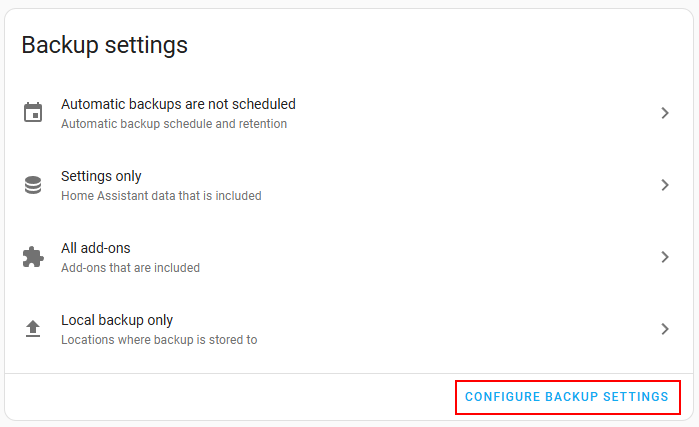
- Select Configure backup settings
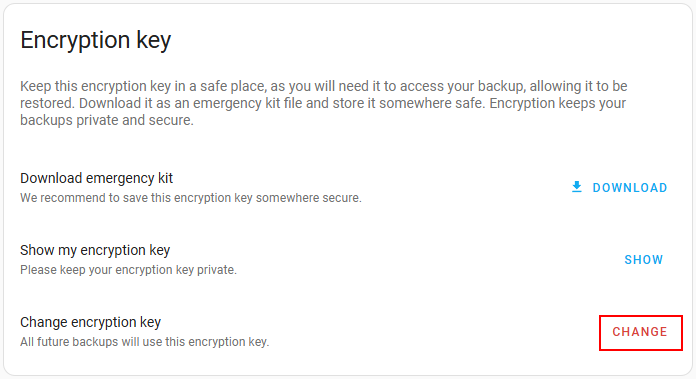
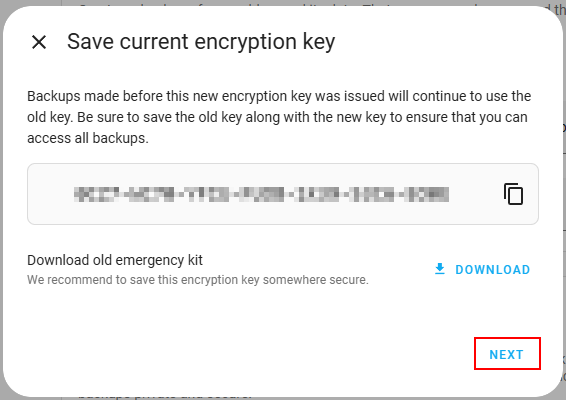
- At the bottom of the page there is an Encryption key section with a red Change button. Click on the Change word and you are shown your existing encryption key.
- Then press the Next button.
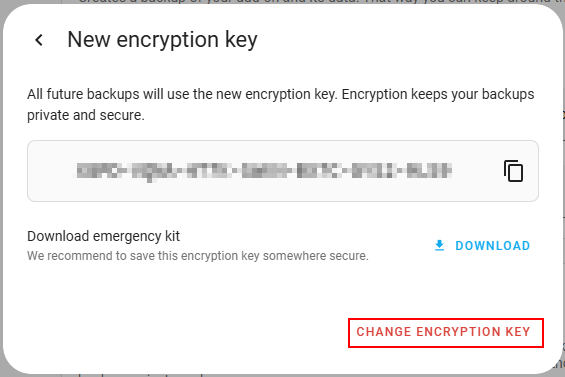
- After this a new encryption key will be shown, confirming that your key is about to be rotated. Click on Change Encryption Key to make the change permanent.
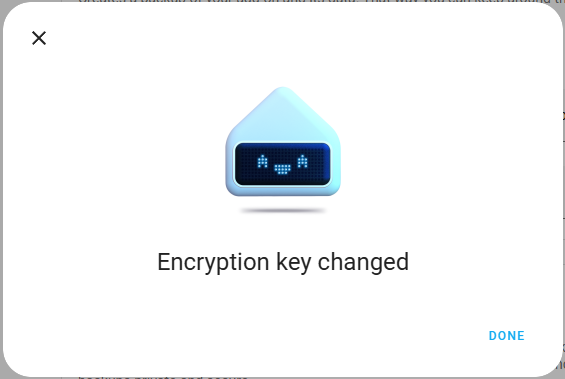
- You will be shown the following message when the key has successfully been changed.
ℹ️Next step