Configure your Energy Manager Key
The Energy Manager Key must be entered into the PV Dashboard settings page if you wish to use Energy Manager for optimisation decisions and energy trading. The option was given during the installation script launch to enter your key then, so if you have already done that then you can miss this step. Otherwise, configure it as below.
💡Obtaining your free key
The Energy Manager API Key can be obtained from the subscriptions page on the Energy Manager website. You will be required to create an account, if you have not done so already. Link: https://energymanager.com.au/usersc/subscriptions.php
PV Dashboard Settings page
- Select PV from the side menu
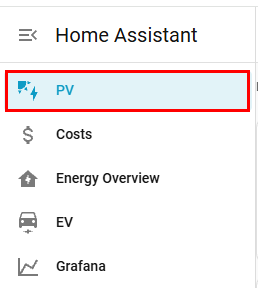
- Along the top of the page there are a series of tabs. Click on the cog icon to be taken to the settings dashboard.

- Enter in your key in the Energy Manager API Key (Required) input box

ℹ️Next step